
What is 2Short AI?
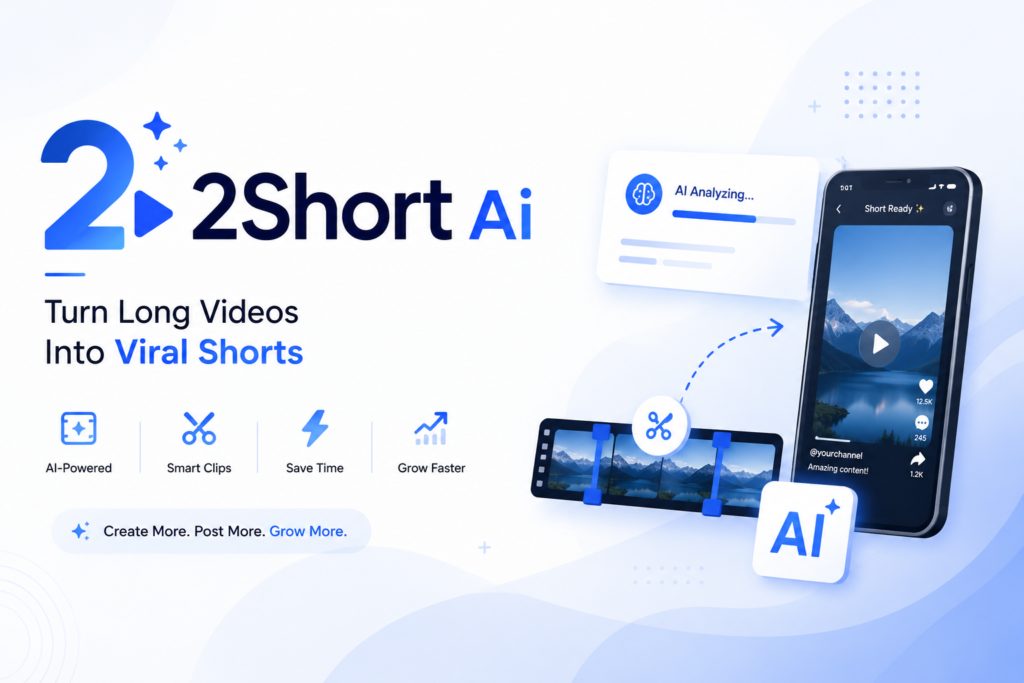
2Short AI is an artificial intelligence powered video editing platform that automatically converts long-form YouTube videos into short, engaging clips suitable for platforms like YouTube Shorts, TikTok, and Instagram Reels. The tool uses advanced AI algorithms to identify the most engaging moments from long videos and transforms them into vertical short videos ready for social media sharing. Launched as a solution for content creators struggling with the time-consuming process of manual video editing, 2Short AI has become one of the most popular AI video tools in 2026. The platform analyzes video content, identifies highlights, adds captions, reframes the video to vertical format, and produces ready-to-publish short videos in minutes. Similar to how Remaker AI revolutionizes image editing through artificial intelligence, 2Short AI is transforming how creators approach short video production.How Does 2Short AI Work?
The working mechanism of 2Short AI is based on sophisticated artificial intelligence and machine learning algorithms. Here is a step-by-step breakdown of how the platform operates:- Users sign up for a 2Short AI account on the official website.
- They connect their YouTube channel or upload a video URL from YouTube.
- The AI analyzes the entire video content including audio, visuals, and context.
- Advanced algorithms identify the most engaging and shareable moments in the video.
- The system automatically generates multiple short clips from these highlights.
- AI reframes the video from horizontal to vertical format suitable for short video platforms.
- Automatic captions are added with proper timing and styling.
- Users can preview, customize, and edit the generated shorts before publishing.
- The final videos can be downloaded or directly published to YouTube Shorts and other platforms.
Key Features of 2Short AI in 2026
2Short AI has evolved significantly since its launch and now offers an impressive range of features that cater to modern content creators. Here are the main features available in 2026: AI-Powered Highlight Detection: The platform uses advanced AI to identify the most engaging moments in long videos that have the potential to go viral as shorts. Automatic Vertical Reframing: 2Short AI automatically converts horizontal videos to vertical format with intelligent subject tracking that keeps the main subject in frame. Auto Caption Generation: The tool generates accurate captions in multiple languages with customizable fonts, colors, and animations. Multi-Language Support: In 2026, 2Short AI supports over 50 languages for caption generation and content analysis, making it accessible to global creators. YouTube Integration: Direct integration with YouTube allows seamless import of videos and publishing of shorts back to the platform. Smart Cropping Technology: AI-powered face and object detection ensures that important elements remain visible after vertical reframing. Customizable Templates: A library of templates for different niches and content styles helps creators maintain consistent branding. Batch Processing: Users can process multiple videos simultaneously, saving even more time for high-volume creators. AI Voice Enhancement: The platform now includes voice clarity enhancement and background noise reduction features. Hashtag and Title Generation: AI suggests relevant hashtags, titles, and descriptions optimized for maximum reach on each platform. Analytics Dashboard: Built-in analytics help creators understand which shorts perform best and refine their strategy. Custom Branding: Users can add their logo, watermark, and consistent visual elements to all generated shorts. Trend Detection: The 2026 version includes trend analysis that identifies content patterns currently performing well on short video platforms. Direct Publishing: One-click publishing to YouTube Shorts, TikTok, Instagram Reels, and Facebook Reels. Collaboration Tools: Teams can work together on projects with shared workspaces and approval workflows.How to Use 2Short AI: Step-by-Step Guide
Using 2Short AI in 2026 is straightforward thanks to its intuitive interface. Follow these steps to create your first AI-generated short video: Step 1: Visit the 2Short AI official website and create a free account using your email or Google account. Step 2: Connect your YouTube channel through the secure OAuth integration to enable seamless video import and publishing. Step 3: From the dashboard, click on the create new project button. Step 4: Either paste a YouTube video URL or select a video directly from your connected YouTube channel. Step 5: Choose your preferences including target platform, language, caption style, and clip duration. Step 6: Click the generate shorts button to start the AI processing. Step 7: Wait for the AI to analyze the video and generate multiple short clip suggestions. This typically takes 2 to 5 minutes depending on video length. Step 8: Review the generated shorts in the preview window. The AI will show you why each clip was selected and its predicted engagement score. Step 9: Customize each short by adjusting captions, adding effects, changing the crop area, or trimming the duration. Step 10: Apply your brand elements like logo, intro, outro, and watermark if desired. Step 11: Download the finished shorts or publish them directly to your social media platforms. Step 12: Use the analytics dashboard to track performance and refine your future short video strategy.2Short AI Pricing in 2026
2Short AI offers several pricing tiers in 2026 to accommodate different types of users from casual creators to professional agencies: Free Plan: Allows users to create up to 5 short videos per month with basic features and 2Short AI watermark. Suitable for testing the platform. Starter Plan: Priced at approximately $9.99 per month, this plan offers 30 shorts per month, removes the watermark, includes basic analytics, and supports HD output. Creator Plan: At around $19.99 per month, creators get 100 shorts per month, all premium features, priority processing, advanced analytics, and multi-language support. Professional Plan: Available for approximately $49.99 per month, this tier provides unlimited shorts, team collaboration features, API access, custom branding, and dedicated support. Enterprise Plan: Custom pricing for agencies and large organizations with bespoke features, white-label options, and unlimited team members. Annual subscriptions typically come with a 20 to 30 percent discount compared to monthly billing. The pricing structure in 2026 reflects the platform's advanced AI capabilities and the high value it delivers to content creators.Who Should Use 2Short AI?
2Short AI is designed for a wide range of users who can benefit from automated short video creation: YouTube Content Creators: Long-form YouTubers can easily repurpose their content into shorts to grow their channel and reach new audiences. Social Media Managers: Professionals managing multiple client accounts can produce volume content efficiently for various platforms. Digital Marketers: Marketing teams can create promotional shorts from webinars, product demos, and brand videos. Educators and Course Creators: Online educators can transform lengthy educational content into bite-sized learning videos. Podcasters: Podcast hosts can extract the most engaging moments from episodes and share them as video clips. Influencers: Content influencers can maintain a consistent presence on multiple short video platforms without spending hours editing. Businesses and Brands: Companies can quickly create marketing shorts from existing video content like interviews, conferences, and product launches. News and Media Organizations: Media outlets can repurpose long news segments into shareable short clips for younger audiences.Is 2Short AI Safe and Reliable?
Safety and reliability are important considerations when using any AI tool that processes your content. Here are key points about 2Short AI in 2026: The platform uses secure OAuth authentication for YouTube integration, meaning your YouTube password is never shared with 2Short AI. The connection can be revoked at any time from your Google account settings. 2Short AI complies with major data protection regulations including GDPR and CCPA. User data and uploaded content are encrypted both in transit and at rest. The company has stated that they do not use customer content to train their AI models without explicit consent. The platform has maintained excellent uptime and reliability throughout 2026, with most users reporting smooth performance even during peak usage periods. Regular updates and improvements ensure the tool continues to deliver value as the short video landscape evolves. Similar attention to privacy can be seen in tools like Ourdream AI which also prioritize user data security.2Short AI Alternatives in 2026
While 2Short AI is one of the leading tools in this space, several alternatives offer similar functionality. Here are the top alternatives in 2026: Opus Clip: One of the strongest competitors, Opus Clip uses AI to create viral shorts from long videos with advanced features and a strong reputation among professional creators. Vizard AI: A comprehensive video editing platform that includes short video generation along with full editing capabilities. Munch: AI-powered video repurposing tool that creates shorts optimized for different social platforms. Klap: Focuses on creating viral shorts with AI-generated captions and effects. SubMagic: Specializes in adding animated captions to short videos with extensive customization options. Eklipse: Popular among gaming creators for creating shorts from gaming streams and long videos. Descript: A complete audio and video editing platform that includes short video creation features along with podcasting tools. Pictory: Converts long content into short videos with AI assistance and good template options. Wisecut: AI-powered video editor that automatically removes silences and creates engaging shorts. CapCut AI: ByteDance's free editor that has integrated AI features for short video creation. Veed.io: Online video editor with AI features for short video creation and editing.Comparison Table: 2Short AI vs Other Tools
| Feature | 2Short AI | Opus Clip | Vizard AI | Klap | SubMagic |
|---|---|---|---|---|---|
| AI Highlight Detection | Yes | Yes | Yes | Yes | Limited |
| Auto Vertical Reframing | Yes | Yes | Yes | Yes | No |
| Auto Captions | Yes | Yes | Yes | Yes | Yes |
| YouTube Integration | Direct | Direct | Yes | Yes | Limited |
| Multi-Language Support | 50+ | 30+ | 20+ | 25+ | 40+ |
| Free Plan Available | Yes | Yes | Yes | Limited | Limited |
| Starting Price | $9.99 | $9.50 | $14.99 | $14.00 | $11.00 |
| Processing Speed | Fast | Fast | Moderate | Fast | Fast |
| Batch Processing | Yes | Yes | Yes | Limited | No |
| Custom Branding | Yes | Yes | Yes | Limited | Limited |
| Analytics Dashboard | Yes | Yes | Yes | Basic | No |
| API Access | Yes | Yes | Limited | No | No |
| Direct Publishing | Yes | Yes | Yes | Yes | No |
| Trend Detection | Yes | Yes | No | Limited | No |
| Team Collaboration | Yes | Yes | Yes | No | No |
Pros and Cons of 2Short AI
| Pros | Cons |
|---|---|
| Saves hours of manual video editing time | Subscription cost can be high for casual users |
| Advanced AI accurately identifies viral moments | Free plan has limited features and watermark |
| Easy to use interface for non-technical users | AI suggestions are not always perfect |
| Direct YouTube integration for seamless workflow | Requires good internet connection for processing |
| High quality automatic captions in 50+ languages | Complex videos may need manual adjustments |
| Smart vertical reframing with subject tracking | Limited control over creative aspects |
| Regular updates with new features | Some customization options require higher plans |
| Excellent for batch content creation | Heavy dependence on YouTube source content |
| Built-in analytics for performance tracking | Learning curve for advanced features |
| Multi-platform publishing capability | Generated shorts may look similar across users |
| Trend detection helps create timely content | Cannot replace professional video editing for premium content |
| Team collaboration features for agencies | Processing time increases with video length |
| Custom branding maintains channel consistency | Some niches work better than others with AI detection |
| Affordable compared to hiring video editors | Premium features locked behind expensive plans |